Your boards, your prices, your decors
Libraries and decors are part of every plan.
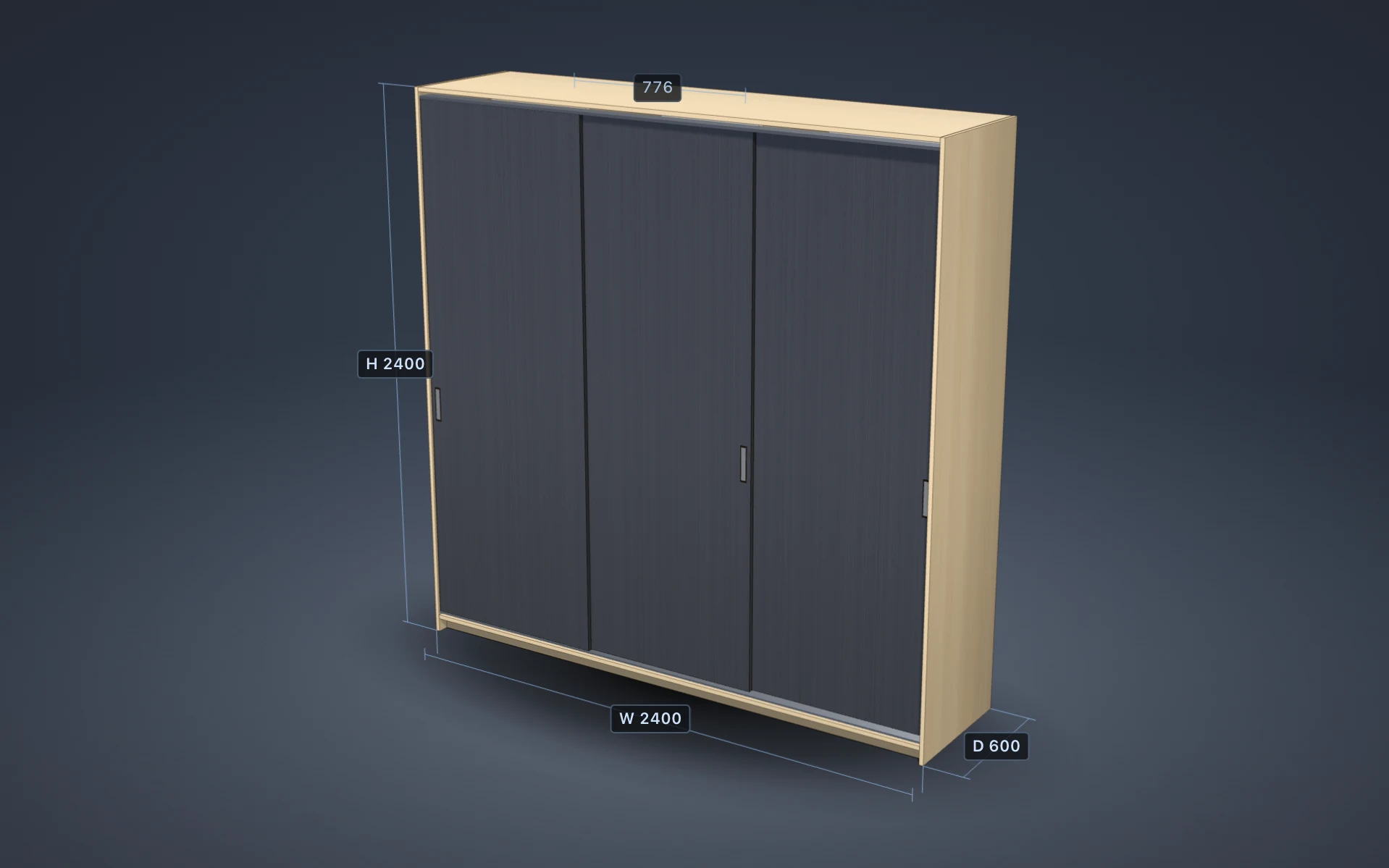
PanelCraft keeps boards, edge banding, hardware and offcut stock in libraries with sheet sizes and prices, and gives each board a real look in 3D. The model you show a client matches the boards you order, and every price in a quote comes from a library entry you can see.
One library for everything you buy
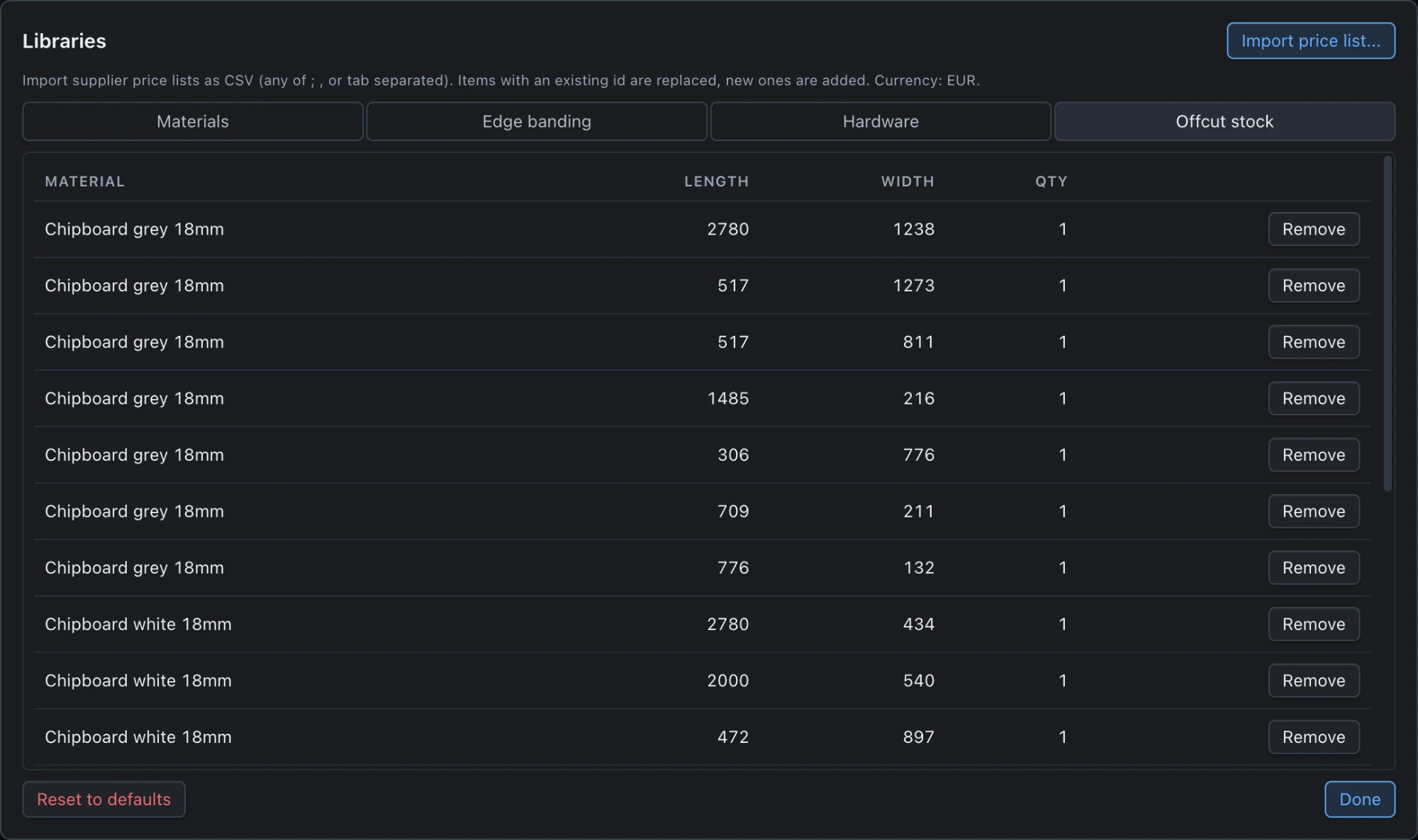
Libraries is a single dialog with four tabs: Materials, Edge banding, Hardware and Offcut stock. It is where the price of everything in a quote comes from, so it is built to be fast to scan. Each list is searchable by name, decor, id or type, and sortable by library order, name, thickness or price.
A Price missing filter lists every entry without a price, and entries with an invalid price or a missing decor image are flagged right in the list. New materials start with a price of zero precisely so that they show up in that filter until you price them.
Libraries are yours: they persist on your computer, load at start, and can be reset to the defaults at any time.
What a board record holds
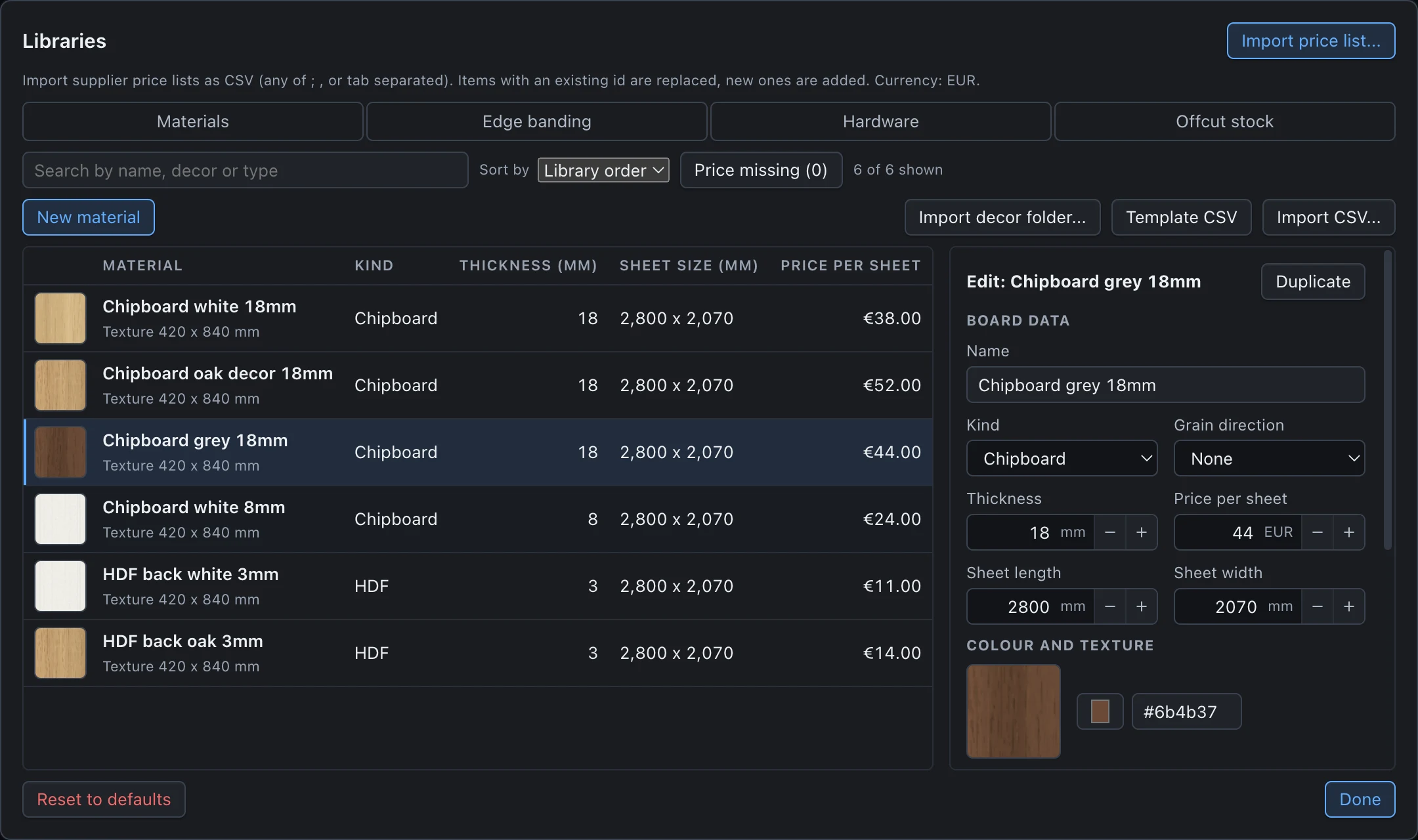
A board is a name, a kind (chipboard, MDF, plywood, HDF and others), a thickness, a sheet size and a price per sheet, plus the grain direction of the material. The editor on the right of the list saves every committed field immediately, validates numbers instead of silently clamping them, and offers Duplicate for variants such as the same board in another thickness.
The sheet size is what the optimiser nests on. A board can also list alternate sheet sizes with their own prices; the cutting engine then tries each one and picks the cheapest complete result.
Thickness is not typed per panel. A panel takes its thickness from the board you assign, so changing a board changes every part that uses it and every price that follows.
- Fields
- Name, kind, grain direction, thickness, sheet length and width, price per sheet.
- Alternate sizes
- Additional purchasable sheet sizes with their own prices.
- Validation
- Invalid numbers are flagged and never saved; there is no silent clamping.
- Flags
- Price missing, Invalid price, Image missing.
Decors: colour and grain you can see
A decor is a flat colour or a texture image with a real physical size (the size of the sample in millimetres). PanelCraft tiles it at that scale, so a 420 × 840 mm oak sample looks like oak on a 2400 mm side panel, and the grain runs the right way. Grain runs across the image flips the direction when your sample is rotated.
Eight generic decors are built in (light oak, oak, walnut, ash, anthracite, white and more), generated by the program, so a first project already looks like furniture. The 3D view, the room view and the exported composite all use the decor.
Decor is display only. It never changes the cutting layout, the parts, the quote or any number derived from the design.

Import your supplier’s decor images
Import image takes one picture for one board; Import decor folder takes a whole folder, up to 100 images, and offers to map them to boards by name. Files are validated by their content, never by their name: PNG, JPEG and WebP are accepted by magic bytes, with a limit of 8 MB per file, 16 to 8192 pixels per side and 36 megapixels.
Images are stored once, by hash, in the application’s data folder; the same picture imported twice takes no extra space. Images wider than 2048 pixels are scaled down for the 3D view. Files that are refused are listed with the reason, file by file.
Decor images are not part of the project file. A project opened on another computer shows the flat colour until the images are imported there, and the materials list says Image missing so you know.
| Limit | Value |
|---|---|
| Formats | PNG, JPEG, WebP (checked by content) |
| File size | Up to 8 MB |
| Dimensions | 16 to 8192 px per side, 36 megapixels |
| Folder import | Up to 100 images, no recursion |
Edge banding as a library
Edge banding entries have a thickness, a height and a price per metre. A project has one default banding, and each panel edge can point to a specific banding, so a design can mix a white ABS tape with an oak one. Pricing groups the metres by banding type and prints one quote line for each.
A banding that is narrower than the board it covers is flagged on every edge it touches, which catches the most common ordering mistake before it becomes an order.
- Fields
- Name, thickness, height, price per metre.
- Per edge
- Each edge of each panel can use its own banding.
- Allowance
- 5 % is added to the metres on the quote.
Hardware in the units it is sold in
Hardware entries have a category (hinge, handle, connector, slide, leg, track, rail and others), a unit and a price. Most items are counted in pieces. Tracks and rails are sold by the metre, so their quantity takes decimals and the quote prints the unit (2.4 m).
Hardware is suggested from the design, never added behind your back. The suggestions explain themselves (for example hinges per door height), and you choose what to apply. Items you add by hand are summed per item in the quote.
- Categories
- Hinges, handles, connectors, drawer slides, legs, tracks, rails and more.
- Units
- Pieces, or metres with decimal quantities.
- Quote
- Aggregated by item, with quantity, unit price and amount.
CSV in, CSV out, with safe number rules
Boards, edge banding and hardware import from CSV, with templates you can download from the dialog. Semicolon, comma and tab separators are detected, a byte-order mark and quoted cells are handled, and header aliases are recognised. Imports merge by id: an entry with an existing id is replaced, a new one is added.
Number parsing is strict where it has to be. A number such as 2.800 or 2,440 in a dimension or price column is ambiguous, so the row is rejected with both readings and a hint to write 2800 or 2.8. Exports add a trailing zero to values that would otherwise be ambiguous, so everything PanelCraft writes can be read back.
For prices there is a dedicated Import price list flow with column mapping and a reviewed preview; see Pricing and quotes.
Name;Thickness;SheetLength;SheetWidth;PricePerSheet
Chipboard white 18mm;18;2800;2070;38.00
HDF back white 3mm;3;2800;2070;11.00
Portable between projects and computers
Projects store the board ids they use, and a project opened with a library that lacks one of them reports the missing entry instead of guessing a price. Carry your libraries between computers by exporting them to CSV; carry decor images by importing the same folder.
Everything stays on your machine. The library files, decor images and price list dates are stored in the application’s data folder, and nothing is uploaded.
Set up your libraries and price your next job
Download PanelCraft for Windows or macOS and run a real job through it, from drawing to quote. The 14-day trial includes every Studio feature.
Questions first? Write to hello@panelcraft.store or see the FAQ.