Resources and documentation
Everything you need to get productive with PanelCraft and to build on its files: a user guide that follows a job from start to export, a field-by-field format reference, answers to common questions, a glossary, release notes and the security notes.
Looking for something specific? Write to hello@panelcraft.store.
The documentation
Each document is a single page you can read top to bottom or jump around in.
| Document | What it covers | Read it when |
|---|---|---|
| User guide | Start screen, parametric kinds, Freeform tools, libraries, the cut layout, pricing, exports, languages and shortcuts. | You are learning PanelCraft. |
| File formats | CSV columns, DXF layers and conventions, PDF, SVG, library CSV rules and the project file. | You build on the exports or send them to a cutting service. |
| FAQ | More than 40 answers on design, cutting, quotes, machining, data and billing. | You have a specific question. |
| Glossary | Kerf, trim, offcut, edge banding, grain, nesting, carcass, plinth, the 32 mm system and more. | A term is new to you or a colleague. |
| Changelog | What is new in each version. | You are updating. |
| Security and data | Where data lives, the threat model and the controls. | Your IT or your client asks. |
Go deeper on a capability
The program in pictures
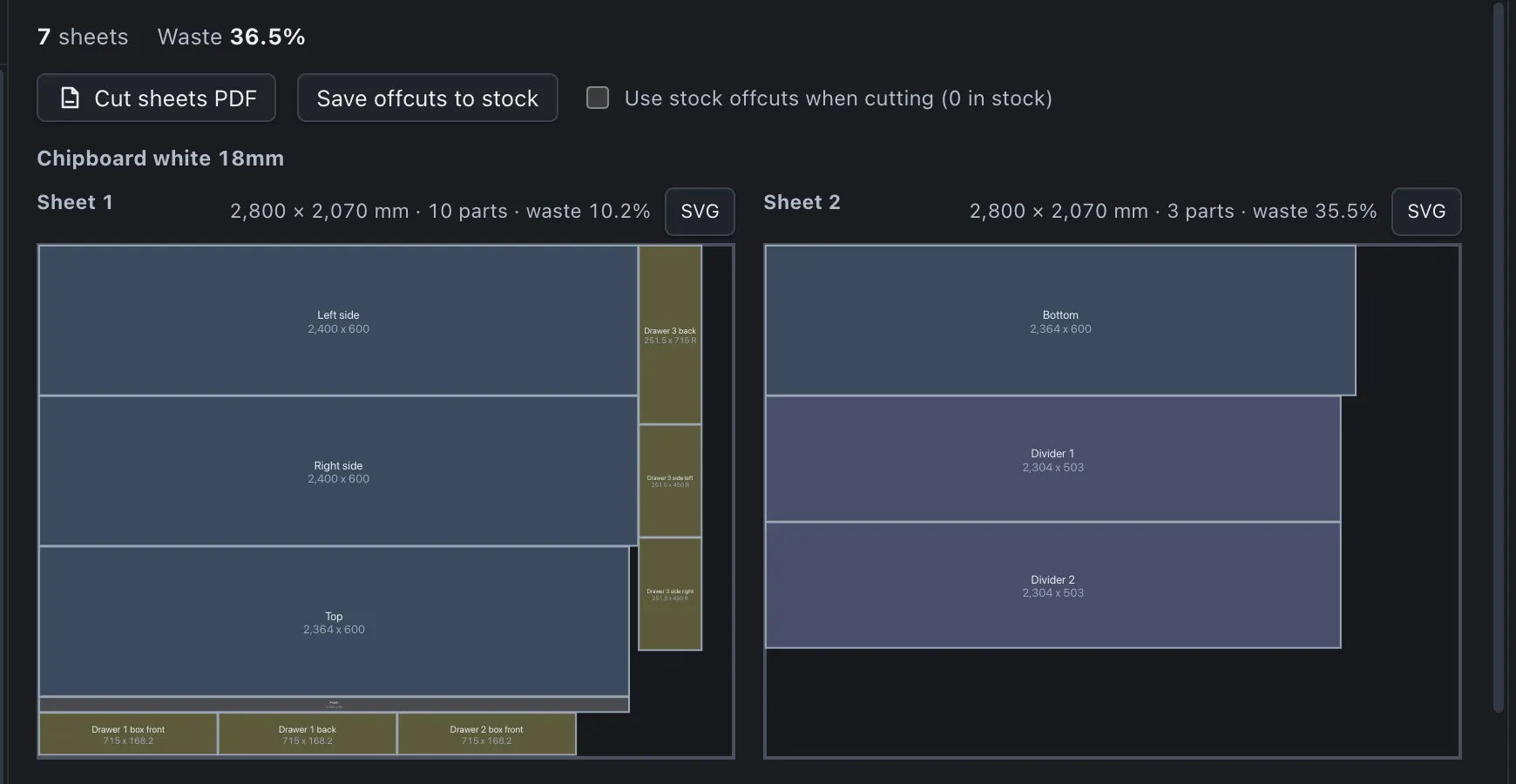
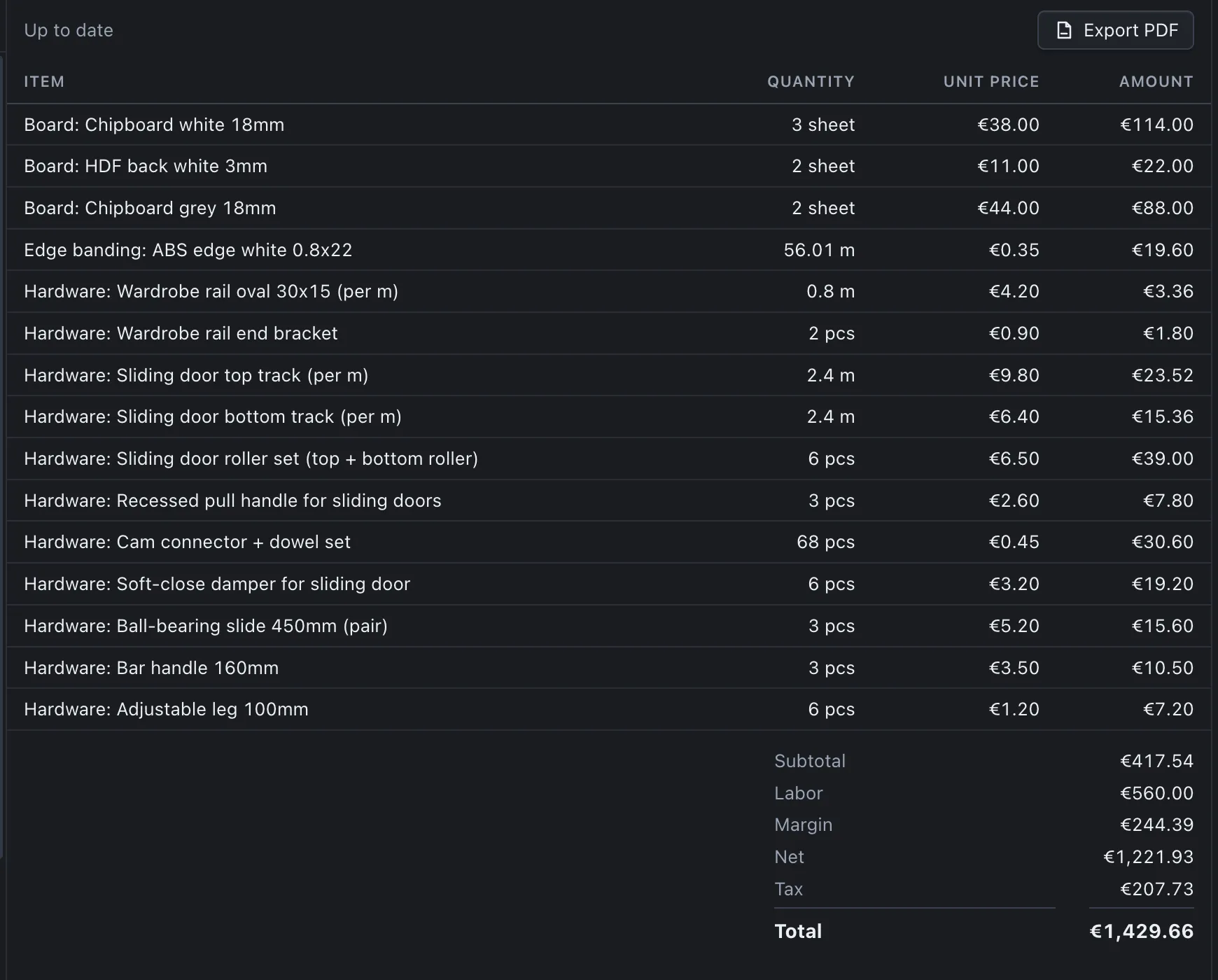


Learn it on a real job
Download PanelCraft for Windows or macOS and run a real job through it, from drawing to quote. The 14-day trial includes every Studio feature.
Questions first? Write to hello@panelcraft.store or see the FAQ.