Contact PanelCraft: sales, support and billing
Write to hello@panelcraft.store for anything: a question before you buy, help with the application, an invoice, a privacy request or press. Pick the subject that fits, and include the details below so we can answer in one reply.
One address for everything: hello@panelcraft.store.
Choose a subject
Each link opens your email program with a subject already filled in.
| Topic | Write to | Use it for |
|---|---|---|
| Sales and questions | hello@panelcraft.store | Is PanelCraft right for your shop, which plan fits, trial and early-access questions, a demonstration of your own job. |
| Support | hello@panelcraft.store | Installing, licence activation, a bug, a file that will not open, how to do something. |
| Billing | hello@panelcraft.store | Invoices, receipts, payment problems, cancellation and refunds. You can also manage a purchase through the links in your Paddle receipt. |
| Privacy | hello@panelcraft.store | Requests about personal data. See the privacy policy. |
| Press and partners | hello@panelcraft.store | Articles, reviews, integrations and cutting-service partnerships. |
| Security | hello@panelcraft.store | A suspected vulnerability. Describe what you found and how to reproduce it. See security. |
What to include in a support request
A good first message saves a round trip. For support, tell us your operating system and its version, the PanelCraft version (shown in the About box of the application), and what you were doing when the problem appeared. If a project is involved, attach the .panelcraft file, which holds only your inputs.
For billing, include the email address used at purchase and your order or invoice number. Please do not send passwords or full payment card numbers.
A screenshot of the Messages tab and of the status bar often answers the question on its own.
- Your operating system and version.
- The PanelCraft version.
- What you did, what you expected and what happened.
- A screenshot, and the
.panelcraftfile if a design is involved. - For billing: the purchase email and the order or invoice number.
Faster answers without writing
Many questions are answered in the documentation. The user guide follows a job from start to export, the file formats reference lists every column and layer, the FAQ answers the common questions and the glossary defines the terms.
Prices, billing and refunds are on the pricing page. The download page has the system requirements and the steps to activate a licence.
- User guideGetting started to exports.
- File formatsColumns, layers and conventions.
- FAQMore than 40 answers.
- Security and dataHow your data is protected.
The program in pictures
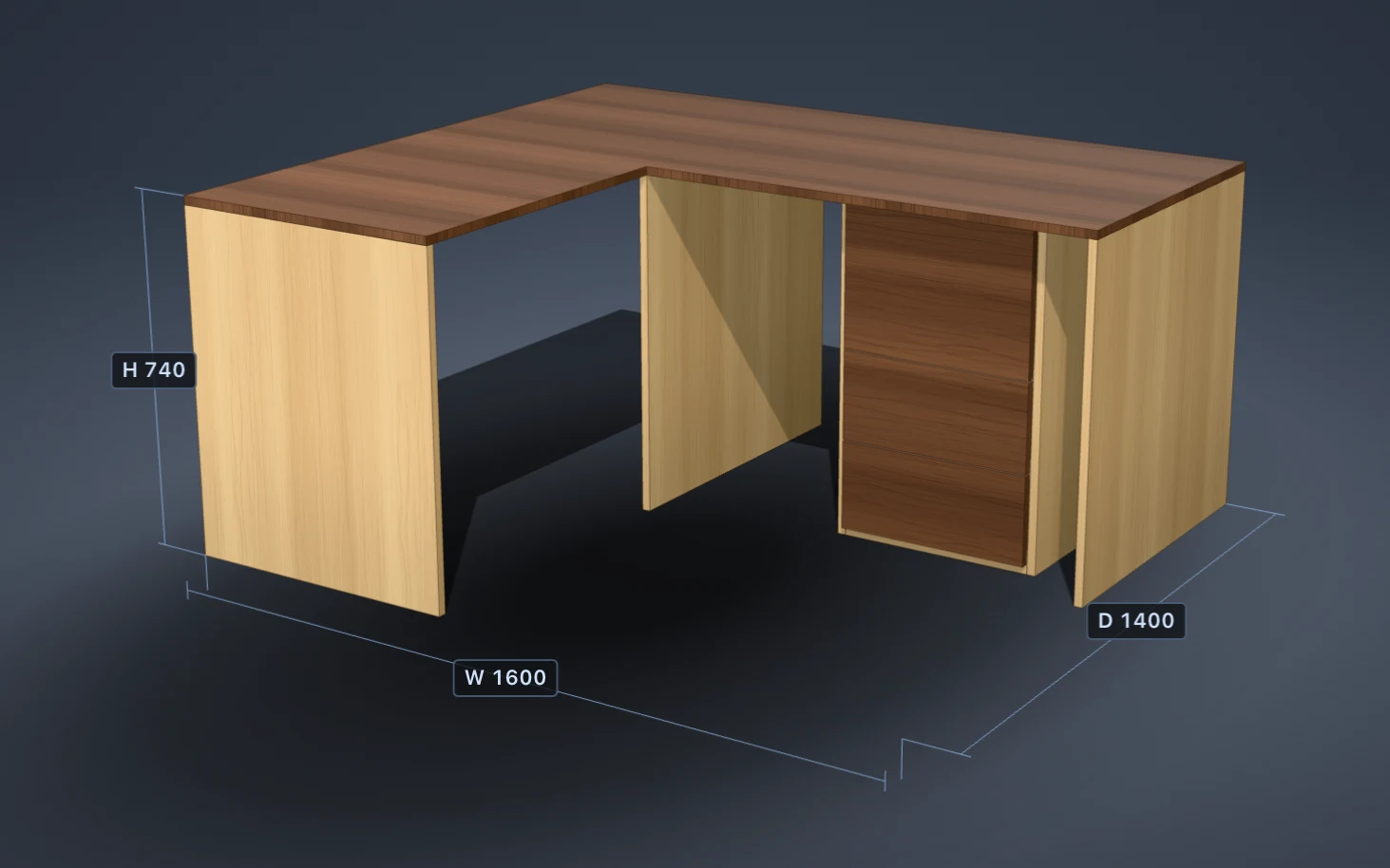
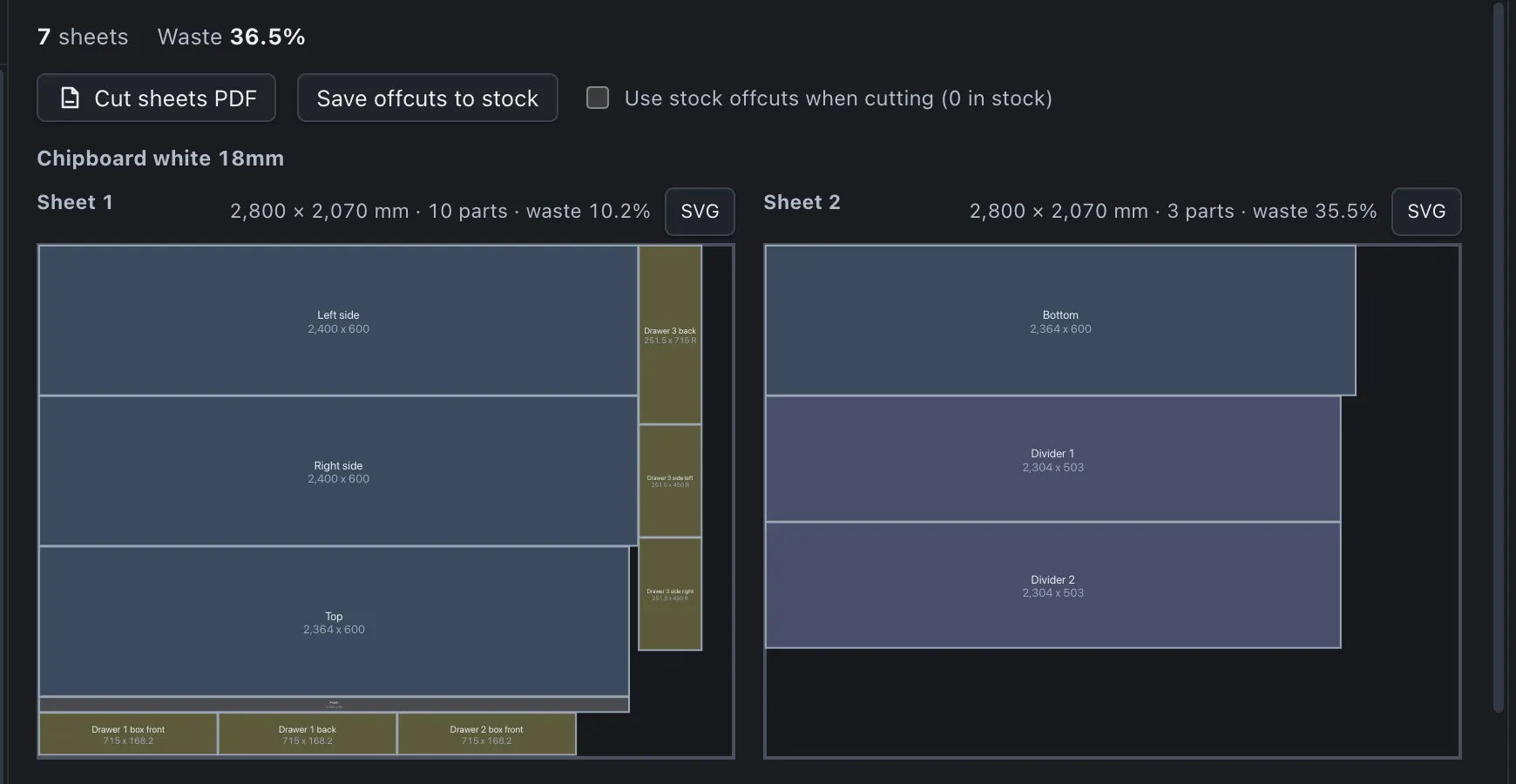
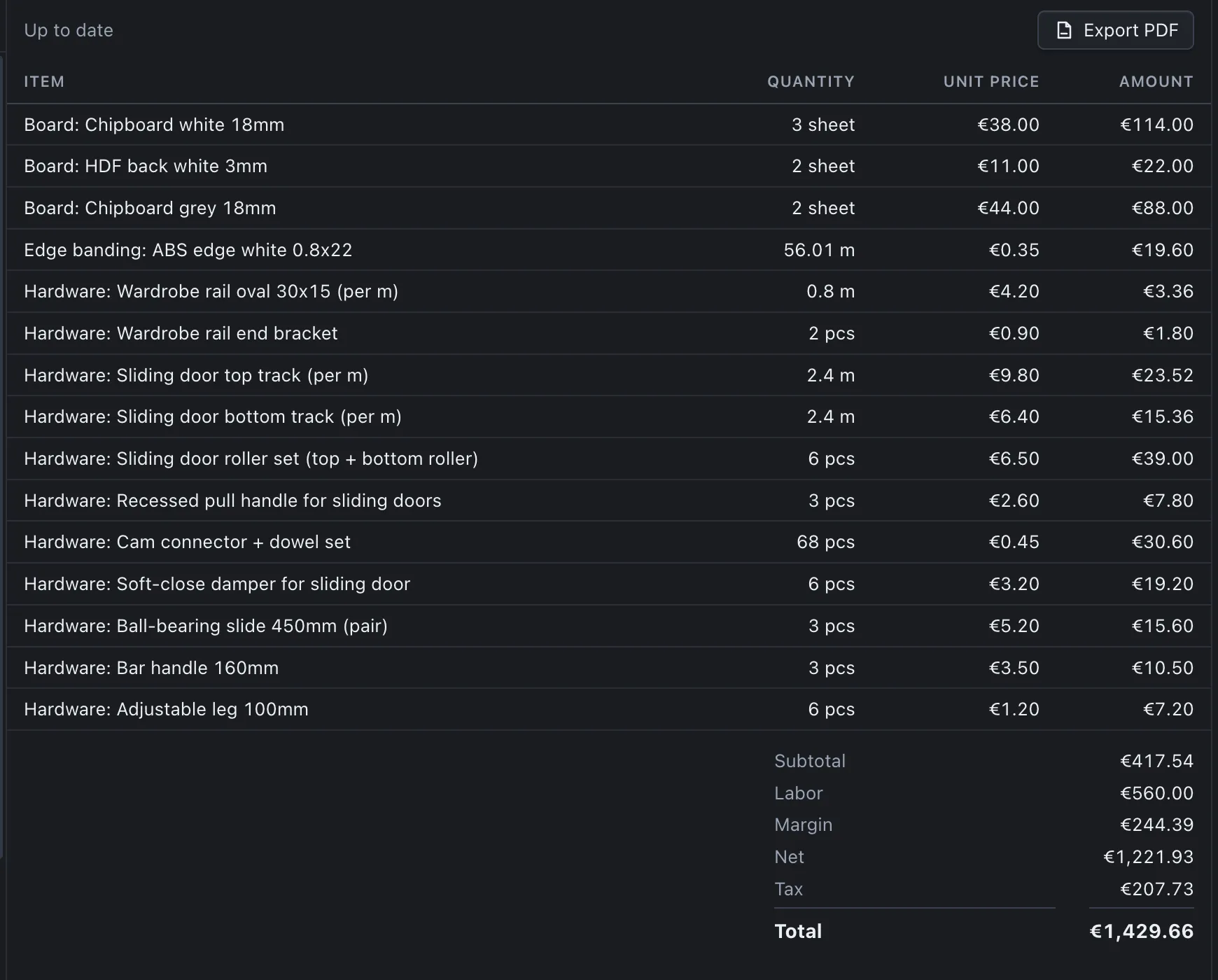

Prefer to try it first?
Download PanelCraft for Windows or macOS and run a real job through it, from drawing to quote. The 14-day trial includes every Studio feature.
Questions first? Write to hello@panelcraft.store or see the FAQ.