Download PanelCraft for Windows and macOS
PanelCraft is a desktop application for Windows and macOS. Install it, open it, and your 14-day trial of every Studio feature starts. No payment details are needed.
Windows 10 or later, macOS 11 or later.
Choose your system
One application, two systems. Each download comes with its version, size, date and SHA-256 checksum.
Windows
Windows 10 or later, 64-bit. A standard installer that lets you choose the folder and installs for your user account.
Request the installer for WindowsWe reply with the download link, the checksum and the release notes, and add you to updates. Or write to hello@panelcraft.store.
macOS
macOS 11 or later, on Apple silicon and Intel Macs. A disk image: open it and drag PanelCraft to Applications.
Request the installer for macOSWe reply with the download link, the checksum and the release notes, and add you to updates. Or write to hello@panelcraft.store.
System requirements
What your computer needs to run PanelCraft.
| Item | Windows | macOS |
|---|---|---|
| Operating system | Windows 10 or later | macOS 11 (Big Sur) or later |
| Processor | 64-bit (x64) | Apple silicon (arm64) or Intel (x64) |
| Display | At least 1100 × 700 pixels | At least 1100 × 700 pixels |
| Graphics | WebGL-capable graphics for the 3D view | WebGL-capable graphics for the 3D view |
| Input | Mouse with wheel; right or middle button for orbit and pan | Mouse or trackpad; modifier keys for orbit and pan |
| Network | Not needed to work. Used to activate and to check the licence | Not needed to work. Used to activate and to check the licence |
| Project files | .panelcraft, opens with a double-click | .panelcraft, opens with a double-click |
Install in a few minutes
Windows. Run the installer. It is a standard wizard that lets you choose the installation folder and installs PanelCraft for your own user account. Start PanelCraft from the Start menu.
macOS. Open the disk image and drag PanelCraft to the Applications folder, then open it from there. The download is built for Apple silicon and for Intel Macs.
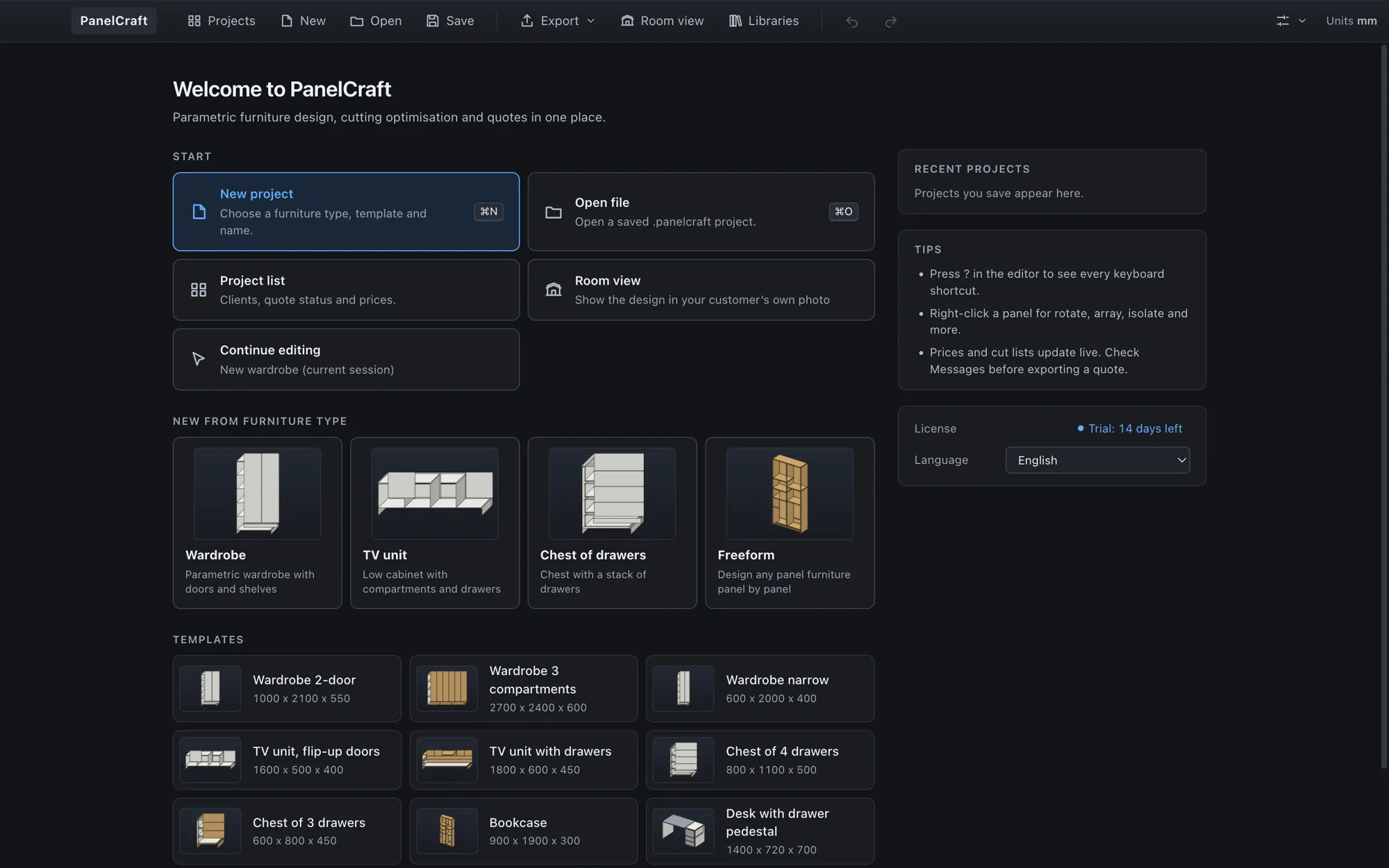
On the first launch PanelCraft shows a short welcome and opens on the start screen, where New project, Open file, recent projects and templates are one click away.
- Download the installer for your system and, if you like, check its SHA-256.
- Run it (Windows) or drag PanelCraft to Applications (macOS).
- Open PanelCraft. The 14-day trial starts at this first launch.
- Choose the interface language in the start screen, and the document language in the settings menu.
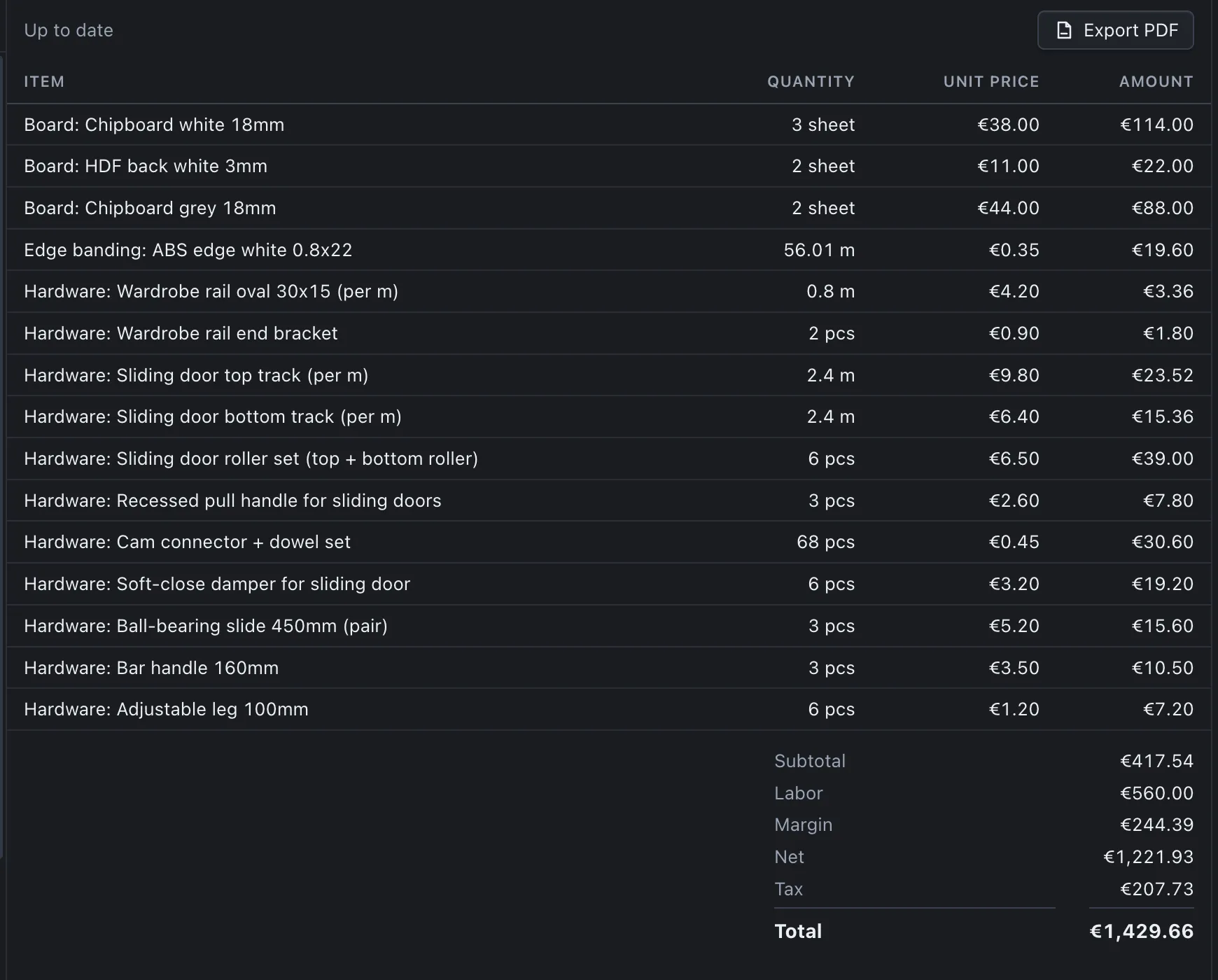
- Pick a template or start a Freeform project, and open the Quote tab to see your first price.
How the trial and activation work
The first launch starts a 14-day trial with all Studio features, counted so that day 14 is still included. The status bar shows the days left, and no payment details are needed.
To keep working after the trial, choose a plan on the pricing page. Payments are processed by Paddle, and you receive a licence key. In PanelCraft open File > License, enter the key and activate. The application sends the key and a device identifier to the licence service and stores a signed licence token on your computer.
After activation PanelCraft works offline. It checks the licence online from time to time and keeps working through a grace period of several days when it cannot reach the service. Your projects remain files on your computer throughout.
- Trial
- 14 days from first launch, all Studio features, no payment details.
- Activation
- File > License: enter the key; a signed token is stored locally.
- Offline
- Everything runs locally; the licence is checked when it is due, with a grace period.
- Your files
- Remain yours, whatever the licence state.
Verify your download
Every release is published with its SHA-256 checksum so you can confirm that the file you downloaded is the file that was published. Compare the value you compute with the one listed with the download; they must match exactly.
The checksum table appears in the download section above as soon as a release is listed, together with the version, size and date.
# macOS
shasum -a 256 PanelCraft-<version>-mac-arm64.dmg

# Windows (PowerShell)
Get-FileHash .\PanelCraft-<version>-win-x64.exe -Algorithm SHA256
Release notes and updates
What changed in each version is recorded in the changelog, written for people who use the program: what is new, what is fixed, and what to check after updating.
Your project files keep opening across versions. Older wardrobe files open unchanged, and libraries and settings are migrated safely.
- ChangelogRelease notes for every version.
- User guideGetting started, drawing, cutting, pricing and exports.
- PricingPlans, billing and the refund window.
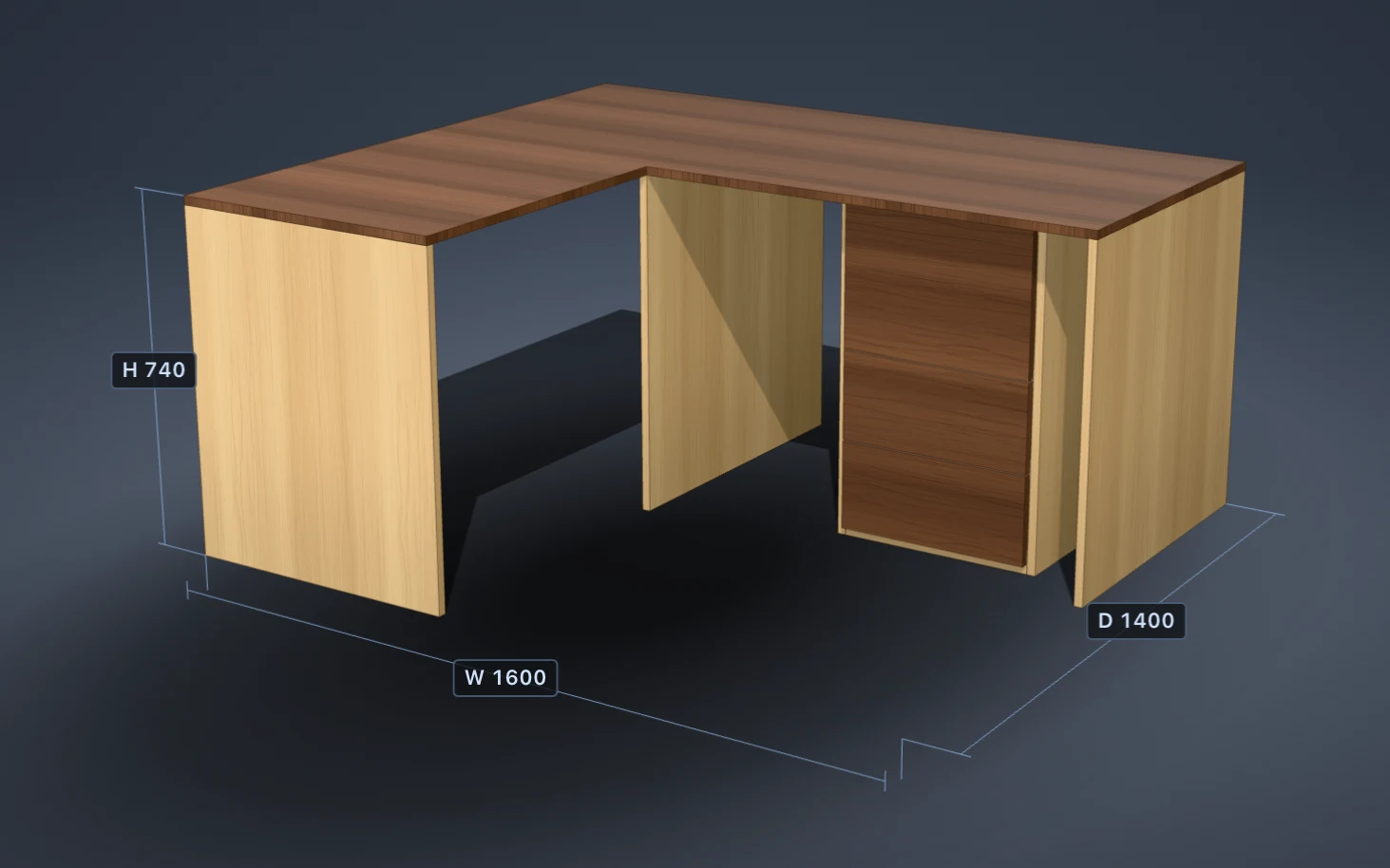
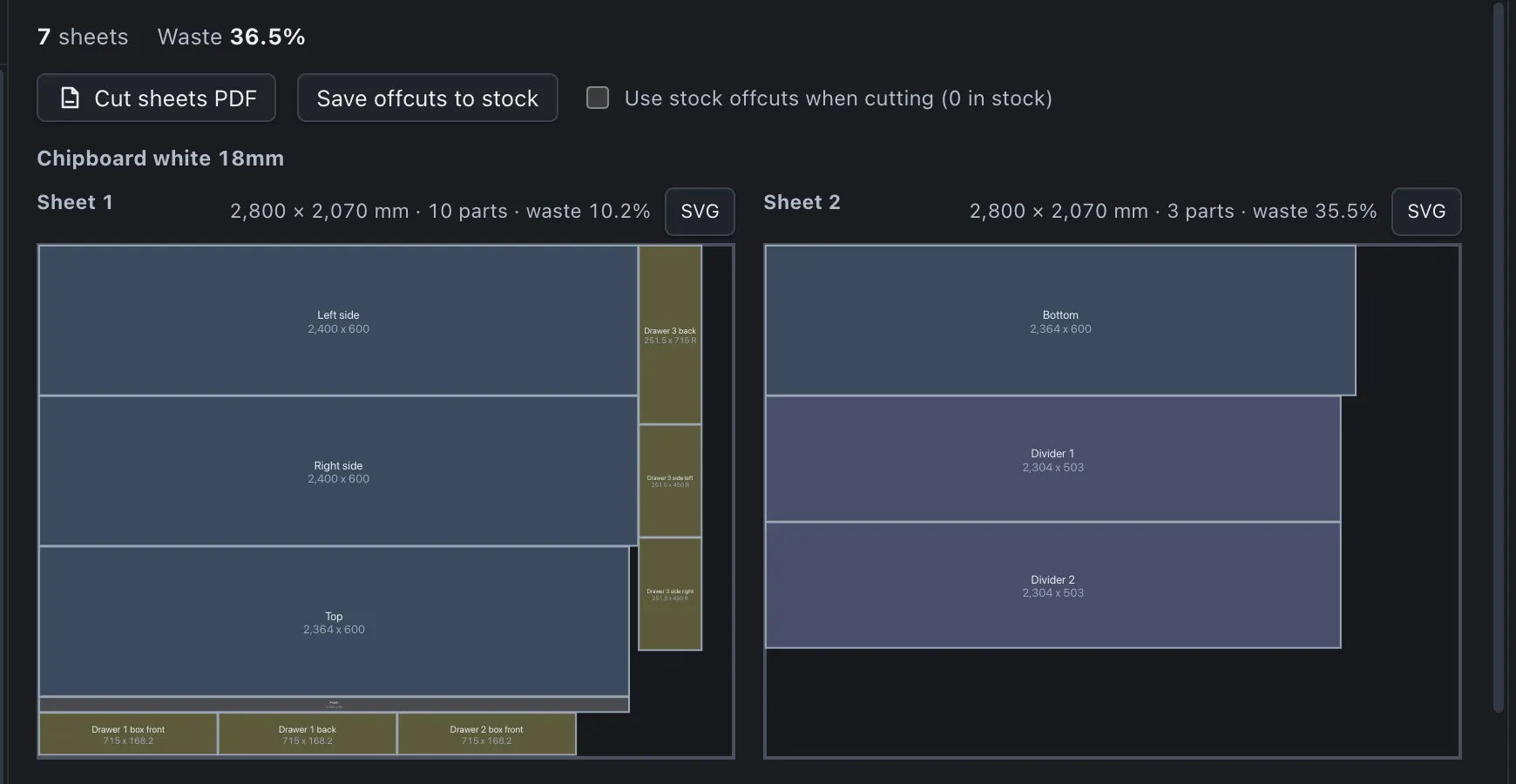
The program in pictures
Start your 14-day trial
Download PanelCraft for Windows or macOS and run a real job through it, from drawing to quote. The 14-day trial includes every Studio feature.
Questions first? Write to hello@panelcraft.store or see the FAQ.